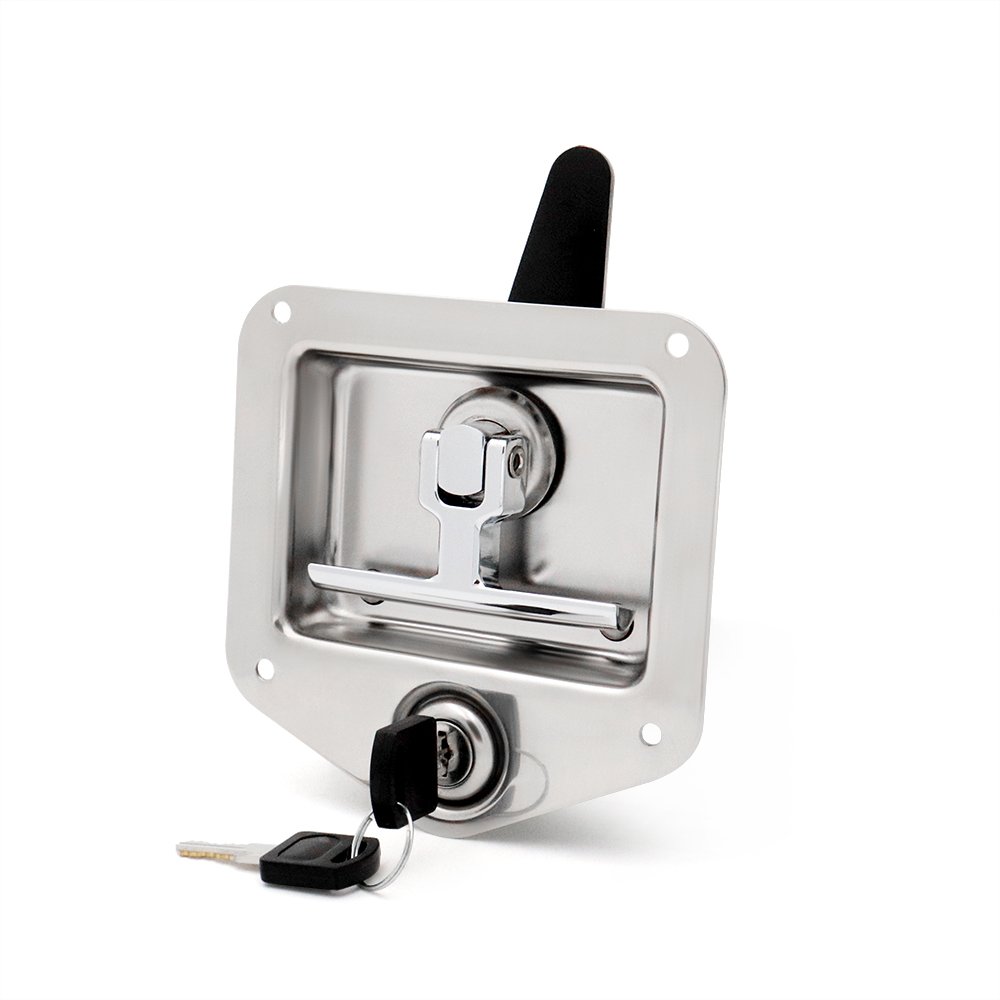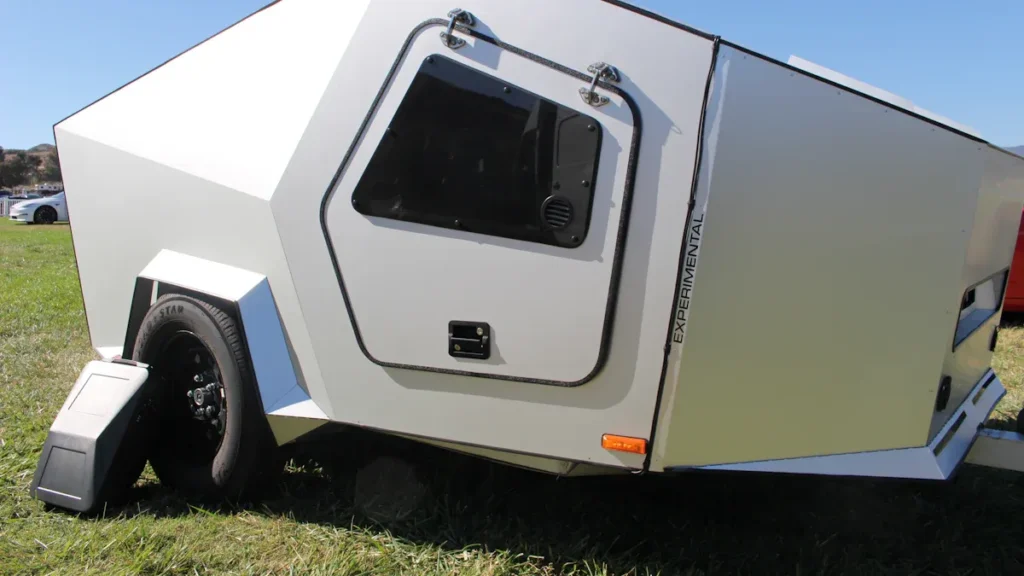
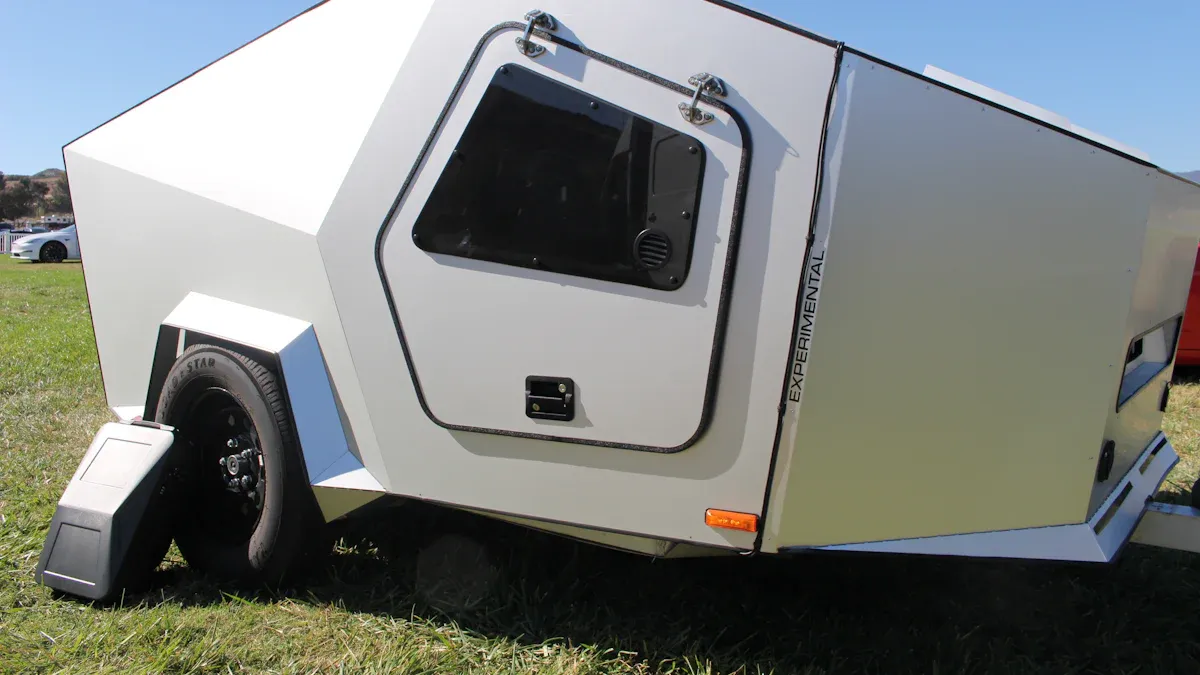
You might wonder if you can integrate Bluetooth RV door lock technology with your vehicle’s smart system. Yes, you can—and it’s practical, too. Kinntoo, a trusted name in RV security, makes this upgrade easy. When you switch to a smart lock, you gain:
Better security, with trackable entry.
Simple mobile access for convenience.
Shareable codes for guests.
Many RV owners worry about reliability and unexpected lock activation. Kinntoo’s support helps you handle these concerns. Ready to get started? Let’s walk through the process together.
Key Takeaways
Upgrade to a Bluetooth RV door lock for enhanced security and protection against theft.
Enjoy the convenience of remote access and easy monitoring through your smartphone.
Ensure compatibility with your vehicle’s smart system for seamless integration.
Utilize electronic latches for improved functionality and secure locking on the road.
Maintain your lock regularly to ensure optimal performance and longevity.
Integrate Bluetooth RV Door Lock with Smart System
Compatibility Check for Kinntoo RV Door Locks
Before you integrate bluetooth rv door lock with your vehicle’s smart system, you need to check compatibility. Kinntoo makes this step easy. Their bluetooth rv door lock works independently from your RV’s main electrical system. You do not have to worry about interference with your vehicle’s electronics. These locks use low-voltage batteries (6V or less), so you get reliable performance without extra wiring.
Here’s a quick look at what makes Kinntoo a great fit for most RVs:
Feature | Description |
|---|---|
Bluetooth Connectivity | Lets you integrate bluetooth rv door lock with smart systems. |
Customizable Access Methods | Choose between PIN, key, or app for entry. |
Battery Efficient | Uses little power and alerts you when batteries run low. |
Weather Resistant | Handles rain, dust, and sun for outdoor use. |
Kinntoo stands out from other brands. You get full customization, strong zinc alloy construction, and a cycle life of over 100,000 uses. The locks fit standard RV door sizes, so you can upgrade without hassle.
Benefits of Bluetooth Keyless RV Entry Door Lock
When you integrate bluetooth rv door lock with your smart system, you boost both security and convenience. You control your door with your phone, so you never fumble for keys again. The bluetooth keyless rv entry door lock uses bank-grade encryption to keep your RV safe. You can set up proximity unlocking, so your door opens as you approach.
Here are some benefits you will notice right away:
Unlock your door with your smartphone for quick access.
Enjoy an ergonomic handle and illuminated keypad for easy use, even at night.
Hear audio feedback when you lock or unlock, so you know your door is secure.
Install the lock easily in standard door cutouts.
Get alerts before your battery runs low, so your door always works.
Kinntoo offers a one-year warranty and helpful support. If you ever need help, you can reach out for guides or customer service. When you integrate bluetooth rv door lock, you make your RV life safer and more convenient.
RV Door Lock Upgrade: Step-by-Step Guide
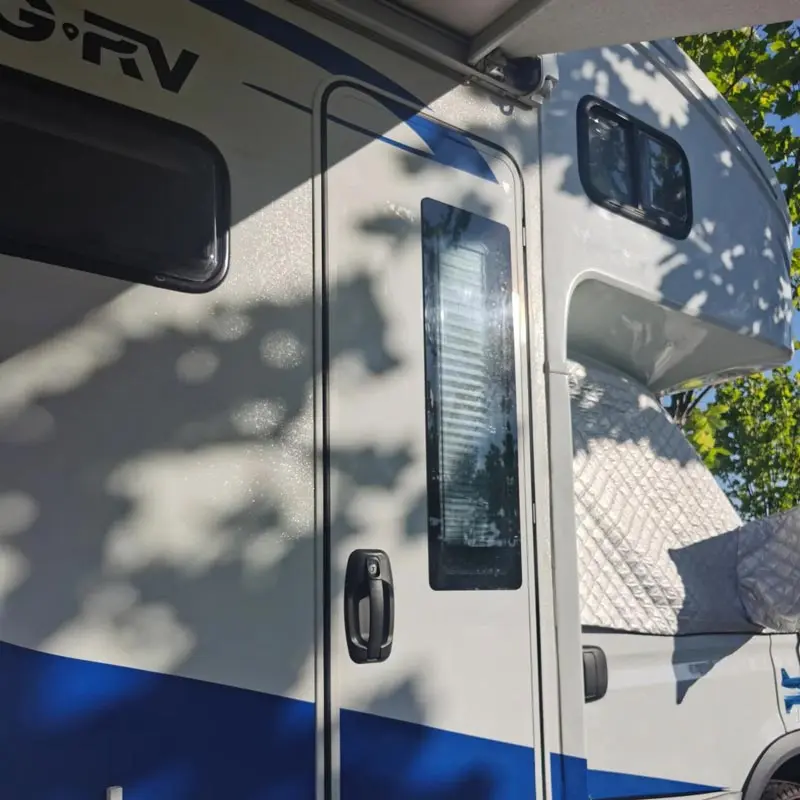
Gather Tools and Kinntoo RV Door Lock
Ready to start your rv door lock upgrade? First, gather everything you need. You want this process to go smoothly, so having the right tools helps a lot. Here’s what you should have on hand:
Kinntoo bluetooth rv door lock (make sure it matches your door’s cutout size)
Phillips screwdriver
Flathead screwdriver
Tape measure
Pencil or marker
Batteries for your new lock (check the package for the correct type)
Your smartphone for app setup
Kinntoo designs its locks to fit standard RV doors. You don’t need special equipment. The lock comes with clear instructions, so you can follow along without confusion. If you run into fit issues, like gaps between the lock and the door, check the alignment and make sure the lock matches your door’s thickness. Most users find the installation straightforward, but it’s smart to double-check measurements before you begin.
Remove Old Lock and Install Bluetooth RV Door Lock
Start your rv door lock upgrade by removing the old lock. Open your door and locate the screws on the interior side. Use your screwdriver to take out these screws. Gently pull the old lock out of the door. If the lock feels stuck, wiggle it a bit until it comes free.
Now, grab your new Kinntoo bluetooth rv door lock. Slide it into the cutout. The lock should fit snugly. If you notice any gaps, check if the lock is sitting flush against the door. Sometimes, older doors have worn edges, so you may need to adjust the position. Secure the lock with the screws provided. Tighten them until the lock feels stable, but don’t overtighten. You want the lock to operate smoothly.
Kinntoo locks use zinc alloy and UV-stabilized ABS, so you get durability and weather resistance. The lock’s design supports both keyless and electronic entry. You can use a PIN, a key, or your phone. The installation process takes about 20 minutes for most RV owners. If you have questions, Kinntoo’s customer support responds quickly.
Pair Bluetooth RV Door Lock with Vehicle Smart System
After you finish the physical installation, it’s time to connect your lock to your vehicle’s smart system. This step brings keyless entry and electronic convenience to your RV. Open the Kinntoo app on your smartphone. Follow the pairing instructions in the app. Usually, you press the “learn” button inside the lock handle. Make sure the fob remote has power. Look for a blue flashing light when you press a button.
Set the fob learn switch to “ON” before you try to connect. Don’t hold the learn button—just click it quickly. Holding it clears all programming, which you want to avoid. If pairing fails, try these steps:
Check if the key fob has power and the wireless switch is on.
Try unlocking with a password or NFC key. If that works, the issue is with the key fob.
If nothing works, disconnect the wiring, restart the lock, and test again.
If you still have trouble, perform a factory reset, re-pair the key fob and NFC key, and retry.
Kinntoo locks work with most smart systems, so you can enjoy auto-lock features and remote access. If you have a unique RV model, check compatibility before you upgrade.
App Setup and Testing
You’re almost done with your rv door lock upgrade. Open the Kinntoo app and follow the setup prompts. Create your account and add your lock. Set up your preferred access methods—PIN, keyless entry, or smartphone unlock. You can share codes with family or guests. Test each method to make sure your door responds.
Try locking and unlocking with your phone. Listen for audio feedback and watch for the illuminated keypad. Test the keyless entry feature by approaching the door with your phone. The lock should open automatically if you set up proximity unlocking. If you want extra security, enable auto-lock features in the app.
Check battery status in the app. Kinntoo locks alert you when power runs low, so you never get locked out. Test the lock several times to confirm everything works. If you notice any issues, review the troubleshooting steps or contact Kinntoo support.
Your rv door lock upgrade is complete. You now have a secure, keyless, and electronic lock that brings convenience to your RV life.
Tip: Always keep a spare battery and your backup key in a safe spot. This ensures you never get stuck outside your door.
Troubleshooting and RV Security Tips
Common Bluetooth RV Door Lock Issues
Sometimes, even the best smart locks need a little troubleshooting. If your Bluetooth RV door lock isn’t working as expected, don’t worry. You can fix most problems with a few simple steps:
Unplug the lock’s module, then plug it back in. This resets the connection.
Hold down the button on your lock for 10 seconds to perform a reset.
Make sure your phone’s location services are on. Some Android devices require this for Bluetooth to work.
Check your phone’s Bluetooth settings. If you don’t see the lock, turn Bluetooth off and back on.
Tip: If you try to update the lock’s firmware and get errors like “try again” or “invalid firmware target,” don’t stress. Many users find that firmware updates don’t always solve connection issues. Stick to the basic troubleshooting steps above for the best results.
If your lock still won’t connect, try restarting your phone or reinstalling the app. Most issues clear up with these quick fixes, so you can get back to enjoying your RV security.
Maximizing RV Security with Kinntoo Locks
You want your RV security to stay strong for every trip. Regular maintenance makes a big difference. Here’s how you can keep your Kinntoo lock working its best:
Clean the lock often to remove dust and debris. This keeps the mechanism smooth and reliable.
Check for signs of wear, like cracks or corrosion. Fixing small problems early helps prevent bigger issues.
Replace the batteries before they run out. This stops sudden lockouts and keeps your rv security system dependable.
Wipe down the keypad and handle to maintain a clean look and good function.
Note: Regular care not only protects your lock but also boosts your rv security for the long haul.
If you ever notice your lock acting up, don’t wait. Address the issue right away. Staying proactive with maintenance and troubleshooting helps you enjoy peace of mind and top-notch rv security every time you hit the road.
You just completed your upgrade to a Bluetooth RV door lock. The process is simple and brings real convenience to your travels. Take a look at the key takeaways from your upgrade:
Key Takeaway | Description |
|---|---|
Enhanced Security | Your upgrade improves safety and protects your RV from theft. |
Convenience and Ease | You enjoy remote control and easy monitoring for every trip. |
Modular Integration | The upgrade fits smoothly with your smart system. |
Improved Functionality | Electronic latches keep your doors secure on the road. |
Increased Value | This upgrade protects your investment and boosts your experience. |
Kinntoo RV door locks stand out for user satisfaction and security. You get convenience with keyless entry and advanced features like remote monitoring. Regular maintenance keeps your upgrade working smoothly. Stay updated with new smart lock technology to enjoy the best security and convenience every time you travel.
FAQ
How do I connect my Kinntoo lock to my mobile?
You just download the Kinntoo app on your mobile. Open the app, follow the pairing steps, and your lock will show up as one of your bluetooth-enabled devices. You can control your lock and set up auto-locking features right from your mobile.
Can I use smart locks with my smart home hub?
Yes, you can link smart locks to your smart home hub. This lets you manage remote access and auto-locking from one place. You get alerts and control your RV door with smart tech, making your travel experience smoother.
What happens if my mobile battery dies?
If your mobile battery runs out, you can still unlock your RV door using a PIN or a physical key. Smart locks from Kinntoo always give you backup options, so you never get locked out. Smart tech keeps your security flexible.
Is remote access safe with smart tech?
Remote access uses encrypted signals, so your RV stays secure. You control who gets in using your mobile. Smart tech lets you monitor entry logs and set up auto-locking, giving you peace of mind every time you travel.
Can I share access with family using smart locks?
You can easily share access codes or app permissions with family members. Everyone can use their mobile to unlock the door. Smart tech makes it simple to manage who can enter, and you can change codes anytime for extra security.